Generative video has moved from novelty to useful production tool, but the hardest part has always been control: getting the camera to move the way a director would. Higgsfield is built around exactly that, and it has become our go-to tool for cinematic product shots and motion ads.
What Higgsfield is
Think of it as a creative studio wrapped around several leading image and video models. Instead of learning each model separately, you choose a look, a camera move or a template, and Higgsfield handles the prompting details. Image generation sits next to video, so you can design a key frame and then animate it.
Camera motion: the real differentiator
Presets for dolly-ins, crane shots, crash zooms, orbits and handheld moves are what make Higgsfield shots feel directed rather than random. For ads, that matters: a slow push-in on a product reads as premium, a whip pan reads as energy. Choosing the move first and the prompt second is the fastest way to consistent results.
Consistent characters and products
Ads need the same face or product in every shot. Higgsfield’s character and reference tools keep a subject consistent across generations far better than prompting from scratch — not perfect, but good enough to cut a sequence together.
Where it struggles
- Text, logos and packaging details can warp — composite the real label in the edit.
- Hands, fast physics and crowds still produce artefacts.
- You will need several takes for each usable shot.
- Clips are short, so a 30-second ad is an edit of many generations.
A workflow for a 15-second product ad
- Write a six-shot storyboard with Claude: hook, product reveal, detail, use, benefit, end card.
- Generate a key frame for each shot as an image and approve the look first.
- Animate each key frame with a deliberate camera move.
- Generate two or three takes per shot and pick the best.
- Edit, add the real logo and packaging, a voiceover from ElevenLabs and music.
Budget tip
Generation costs differ by model. Explore with faster, cheaper models and switch to the premium ones only for the final takes.
Verdict
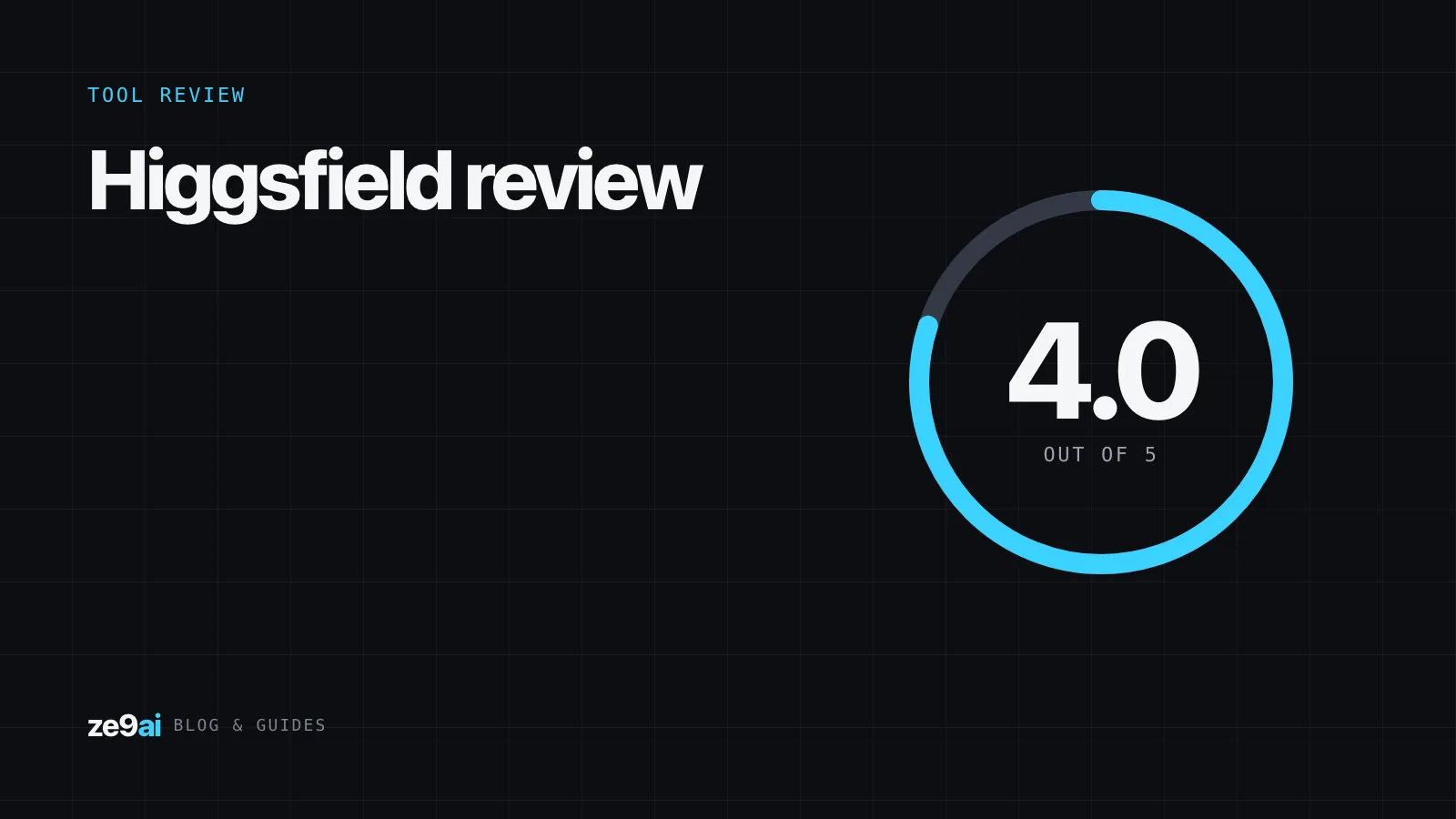
Higgsfield does not replace a film crew for every brief, but for product teasers, social ads and stylised brand moments it gets remarkably close — in days instead of weeks. Treat it like a camera department, not a magic button, and plan the edit from the start.