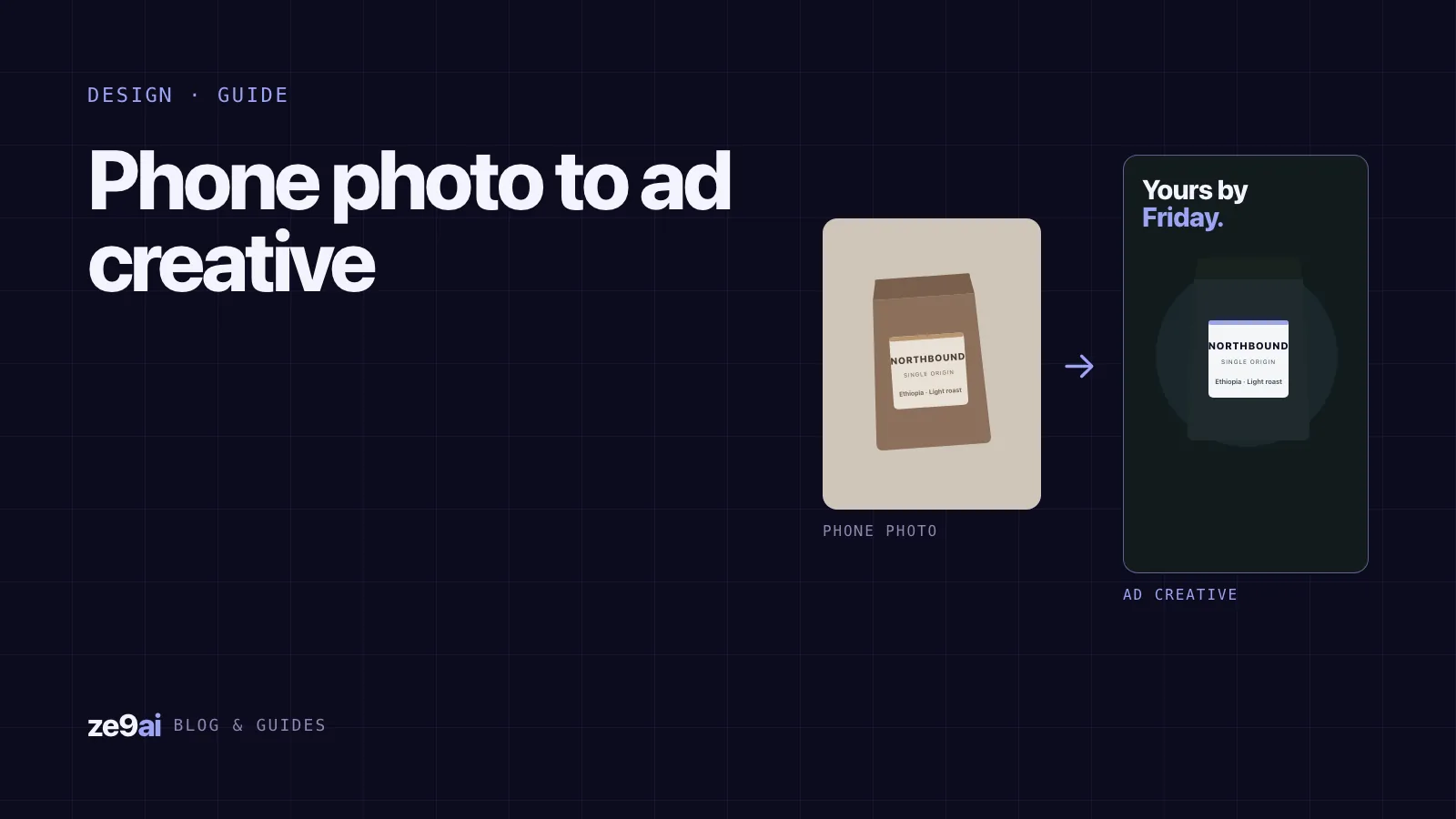
A product photoshoot used to be the first big cost of any campaign. Today a clean phone photo is often enough to create studio-style images, lifestyle scenes and a full set of ads — as long as you keep the product itself accurate.
What AI product visuals can and cannot do
- Can: place your product in new scenes, change light and mood, create lifestyle settings and make dozens of variations quickly.
- Cannot (reliably): reproduce small label text, exact colours or fine packaging details on its own. That is why the real product photo stays in the workflow.
Step 01Shoot a clean reference photo
- Soft daylight from a window, no harsh shadows
- A plain background and a clean surface
- The label facing the camera, straight on
- Several angles: front, three-quarter and top-down
Step 02Build the scene
Describe the scene like a photographer would: the surface, the light, the props and the mood. “Matte stone countertop, early-morning side light, a ceramic cup and coffee beans, calm and premium” gives far better results than “nice coffee photo”. Generate several options and pick the one that fits your brand.
Step 03Keep the product accurate
Compare every image with the real product. If the label or shape has drifted, composite the original product photo into the AI scene in your editor. Customers forgive a stylised background; they do not forgive a product that looks different when it arrives.
Step 04Turn one image into an ad set
| Placement | Size | Tip |
|---|---|---|
| Feed | 1:1 or 4:5 | Product large, one short headline |
| Stories & Reels | 9:16 | Keep text in the middle third |
| Display | Landscape | Logo and offer always visible |
Write three or four headline angles — price, benefit, social proof, urgency — and pair each with two images. That is a dozen ads to test from a single photo.
Step 05Add motion
A slow camera push or a subtle steam rise turns a still into a video ad, which often earns cheaper reach. Image-to-video tools such as Higgsfield animate your approved key frame with a chosen camera move.
Checklist before launch
- The product matches the real one exactly
- Label text is sharp and correct
- Every size is exported
- Headlines are tested, not guessed
- Any AI-generated people in the image are clearly fictional or licensed
Where to start
Pick your best-selling product, produce one ad set this week and compare it with your current ads. The results usually make the case for the rest of the catalogue.